Download the p77play App
Faster gameplay, push alerts for bonuses and one-tap access to every game — on Android and iOS.


Why Download?
Native Performance
Smoother, faster gameplay than mobile web.
Bonus Alerts
Push notifications for time-limited rewards.
Select Offline Play
Some games stay playable with a weak connection.
Auto-Updates
Always run the latest, most secure version.
Step-by-Step Install Guide
Android APK — done in under five minutes.
Click "Download APK"
Tap the direct APK download button above to save the file.
Open the APK
Open the file from your Downloads folder to start installing.
Enable "Unknown Sources"
If prompted, allow installs from this source (a one-time permission).
Tap Install and wait
Let the installation finish — it takes under a minute.
Open p77play & Register
Launch the app, create an account or log in, and start playing.
System Requirements
🤖 Android
- OS Version
- Android 8.0+
- Storage
- ~100 MB
- RAM
- 2 GB+ recommended
- Install
- Direct APK
🍎 iOS
- OS Version
- iOS 13+
- Storage
- ~120 MB
- Device
- iPhone 7 or newer
- Install
- App Store / Profile
Inside the App
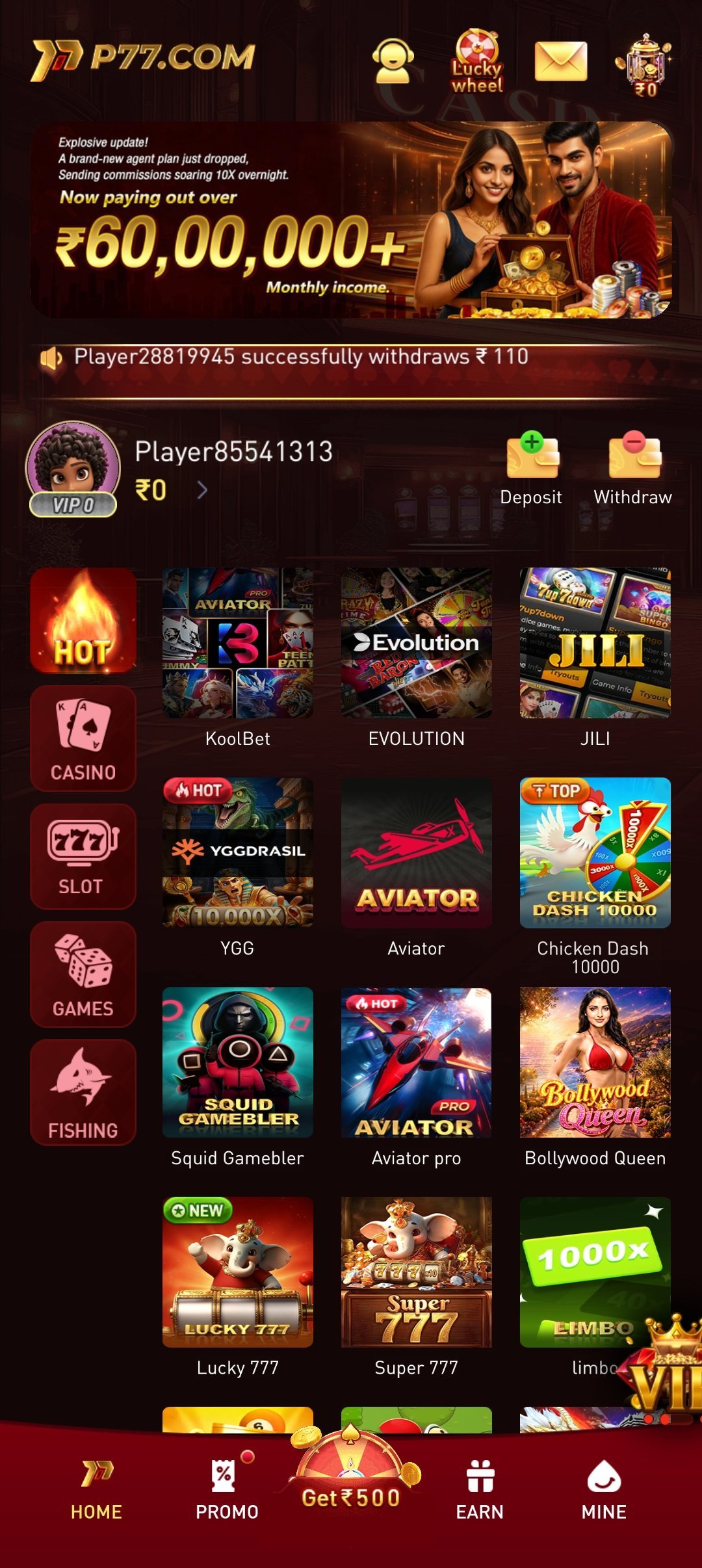
A preview of the lobby, game library and wallet before you install.
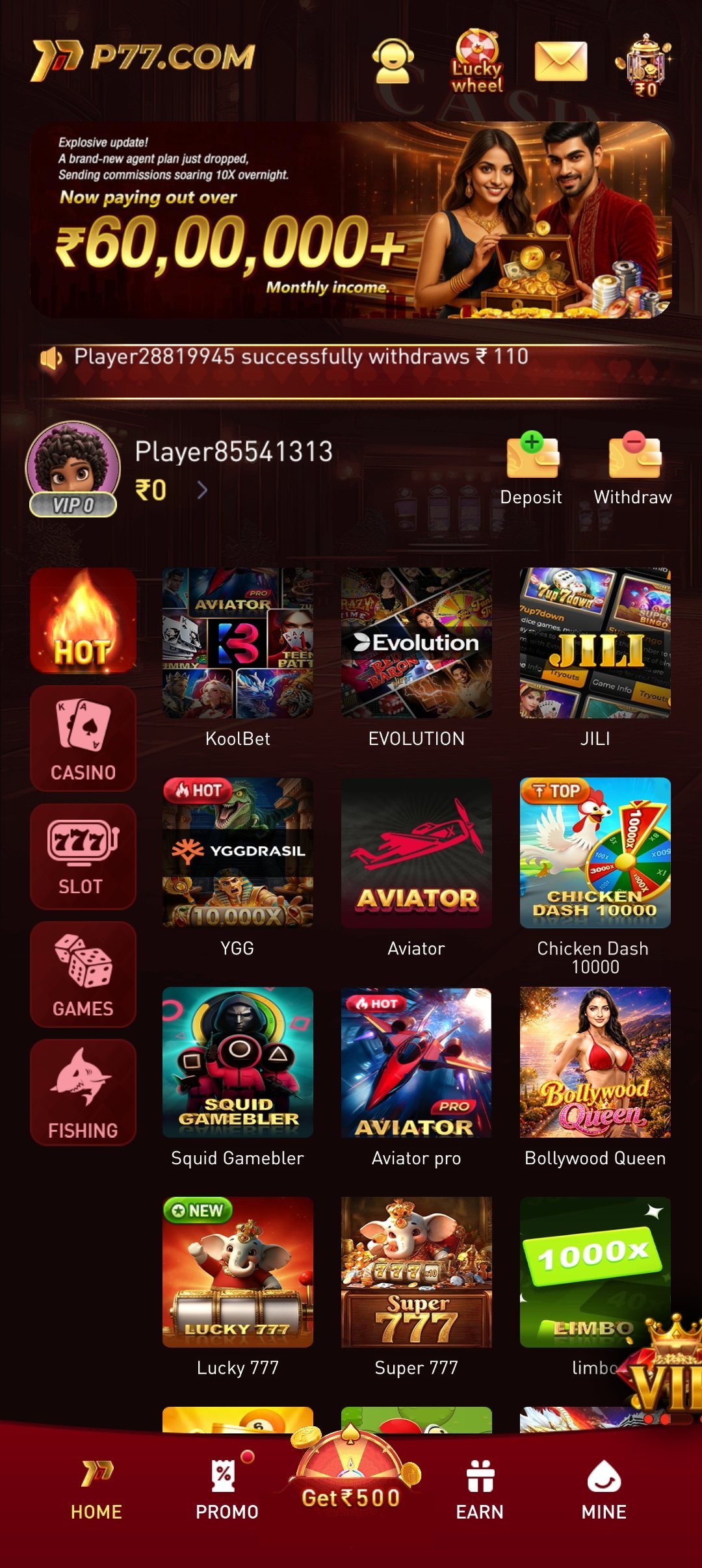
Home Lobby
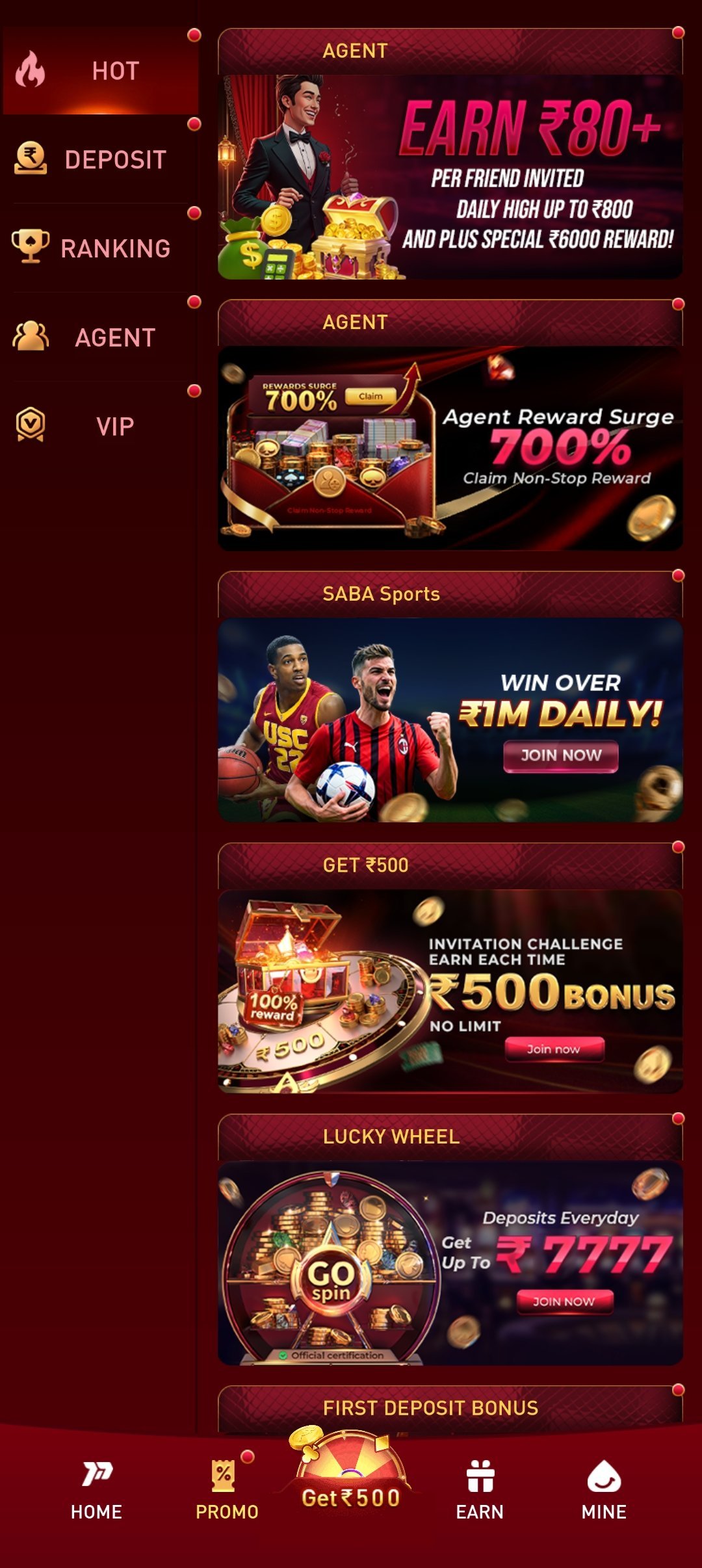
Promotions
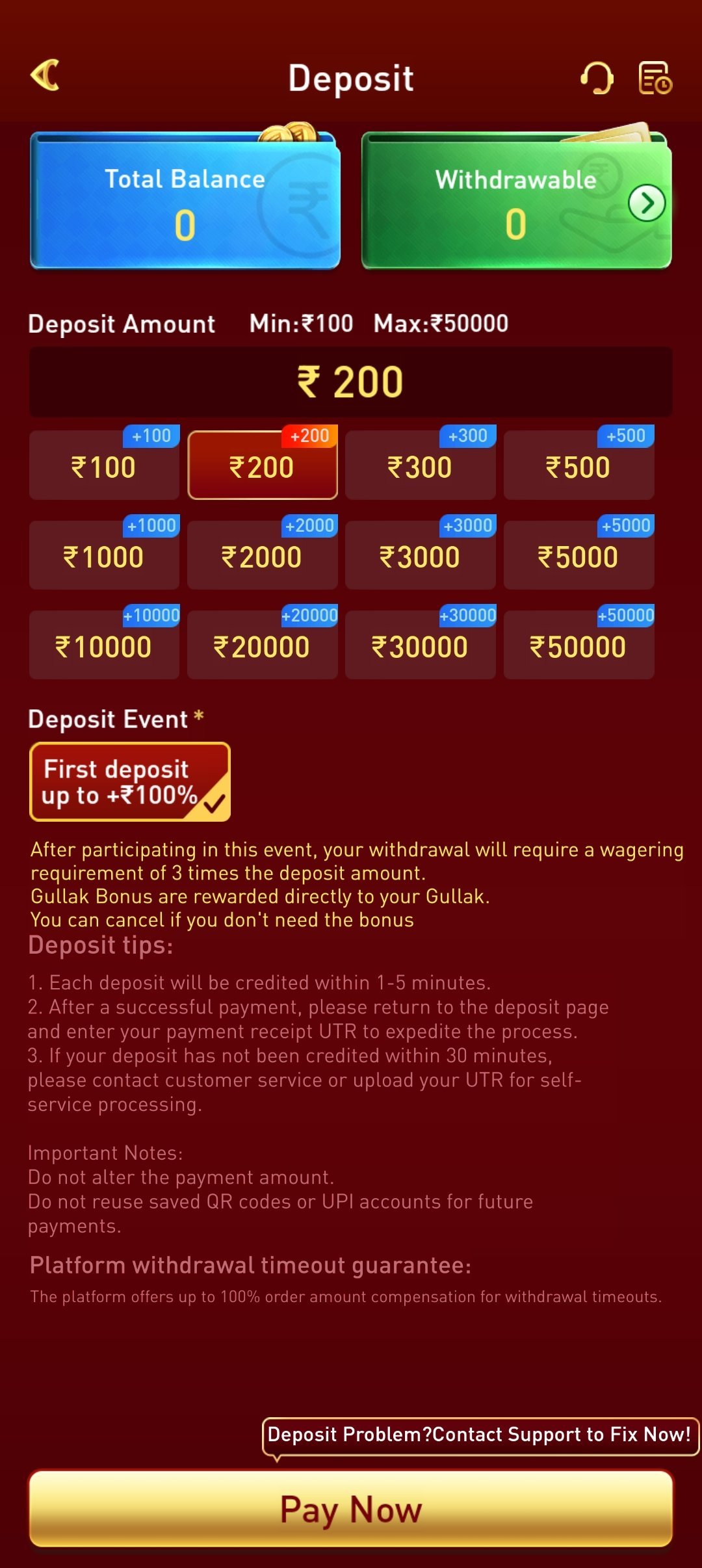
Deposit
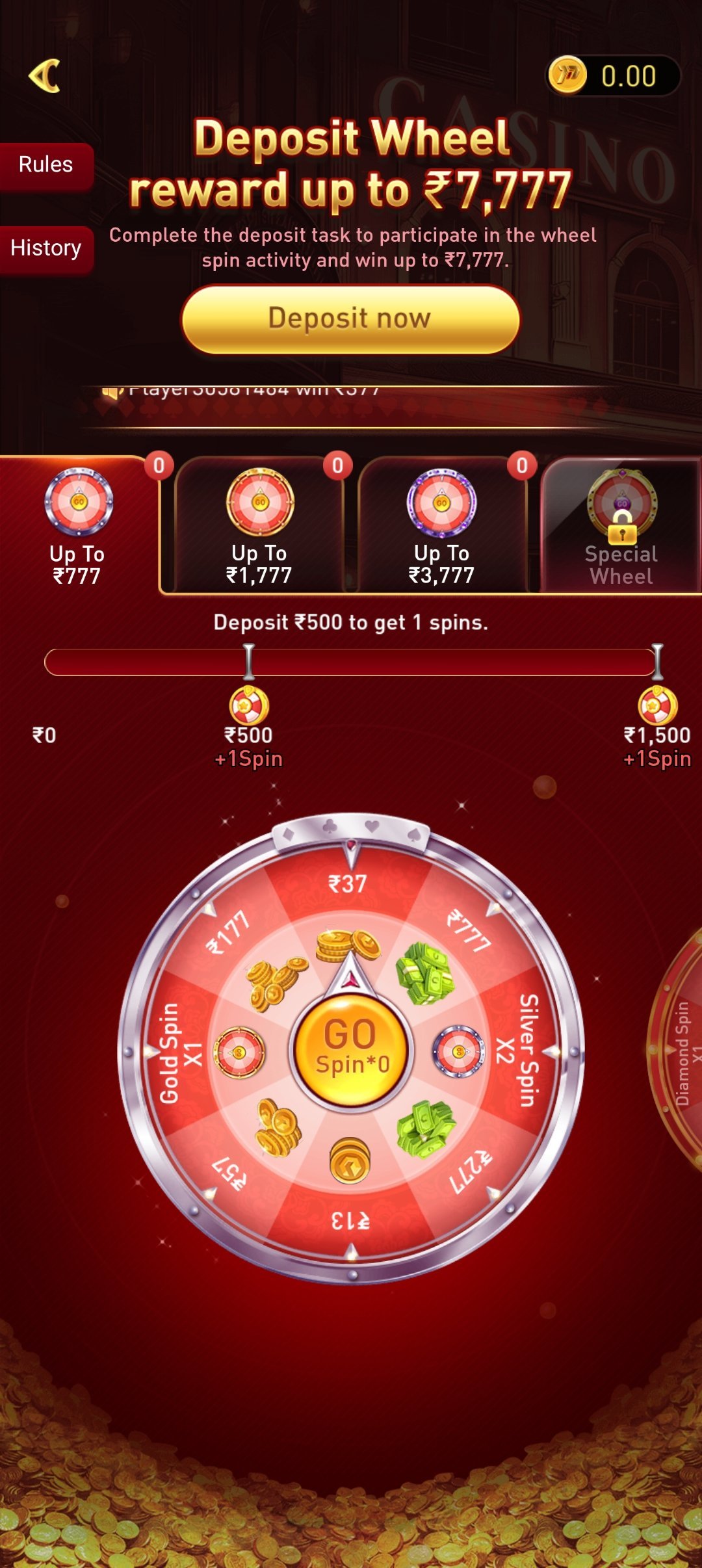
Deposit Wheel
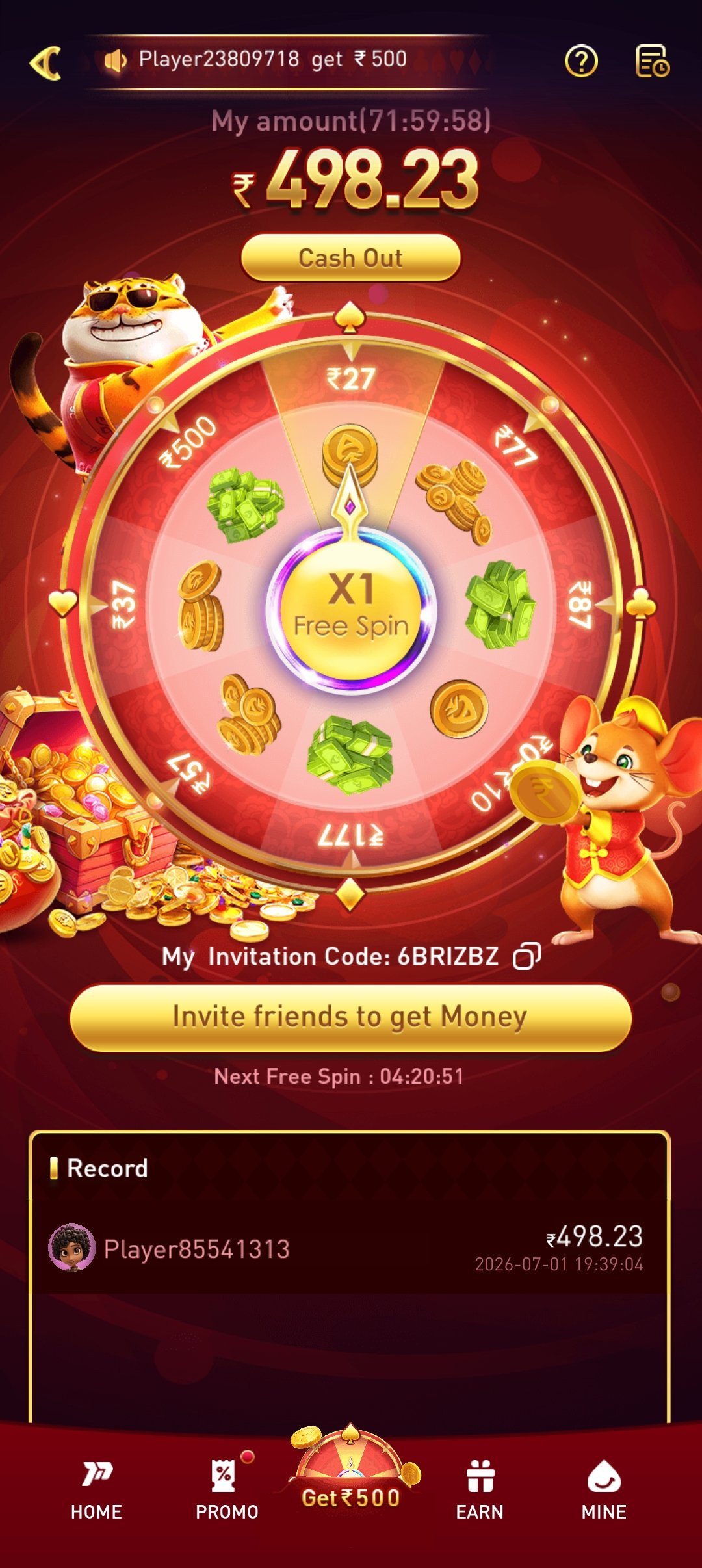
Deposit Wheel Bonus
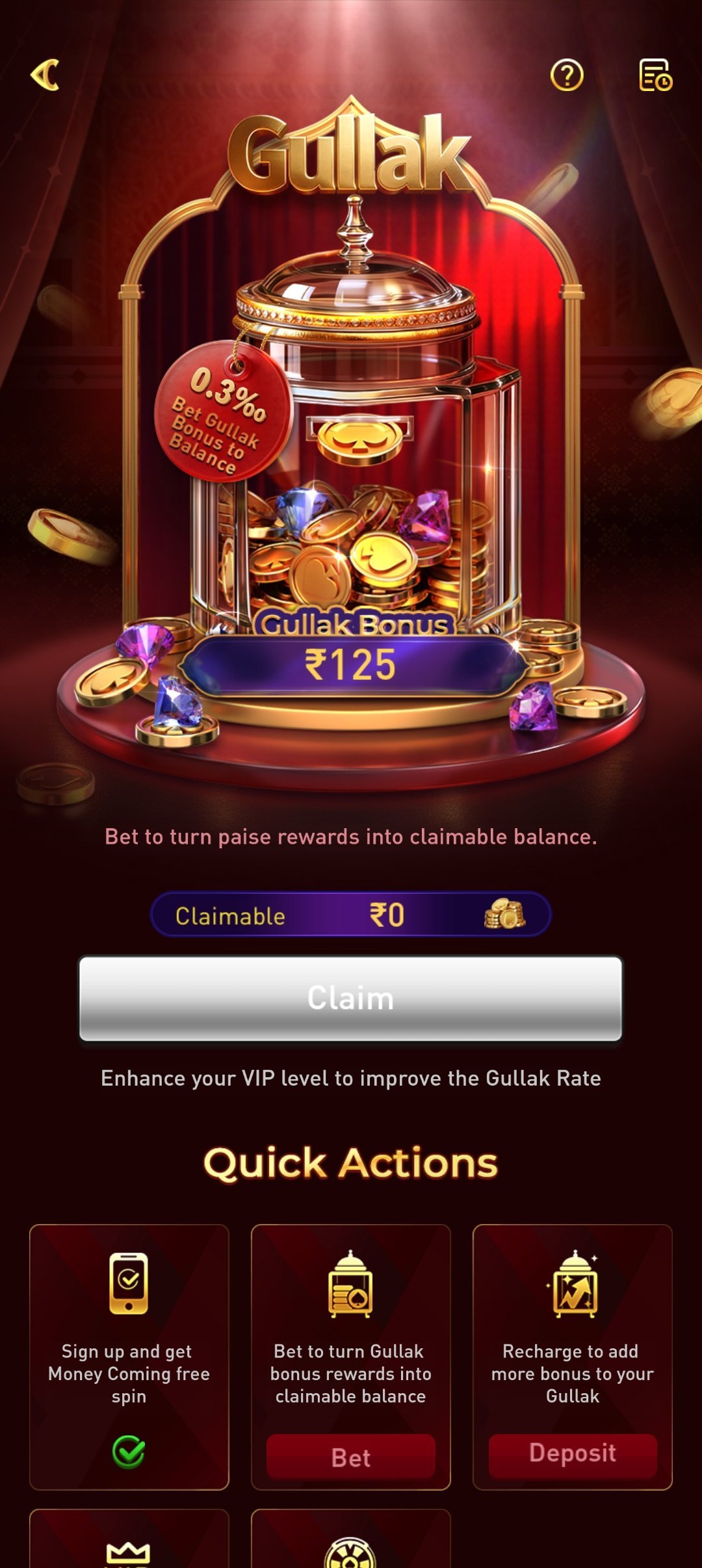
Gullak Savings
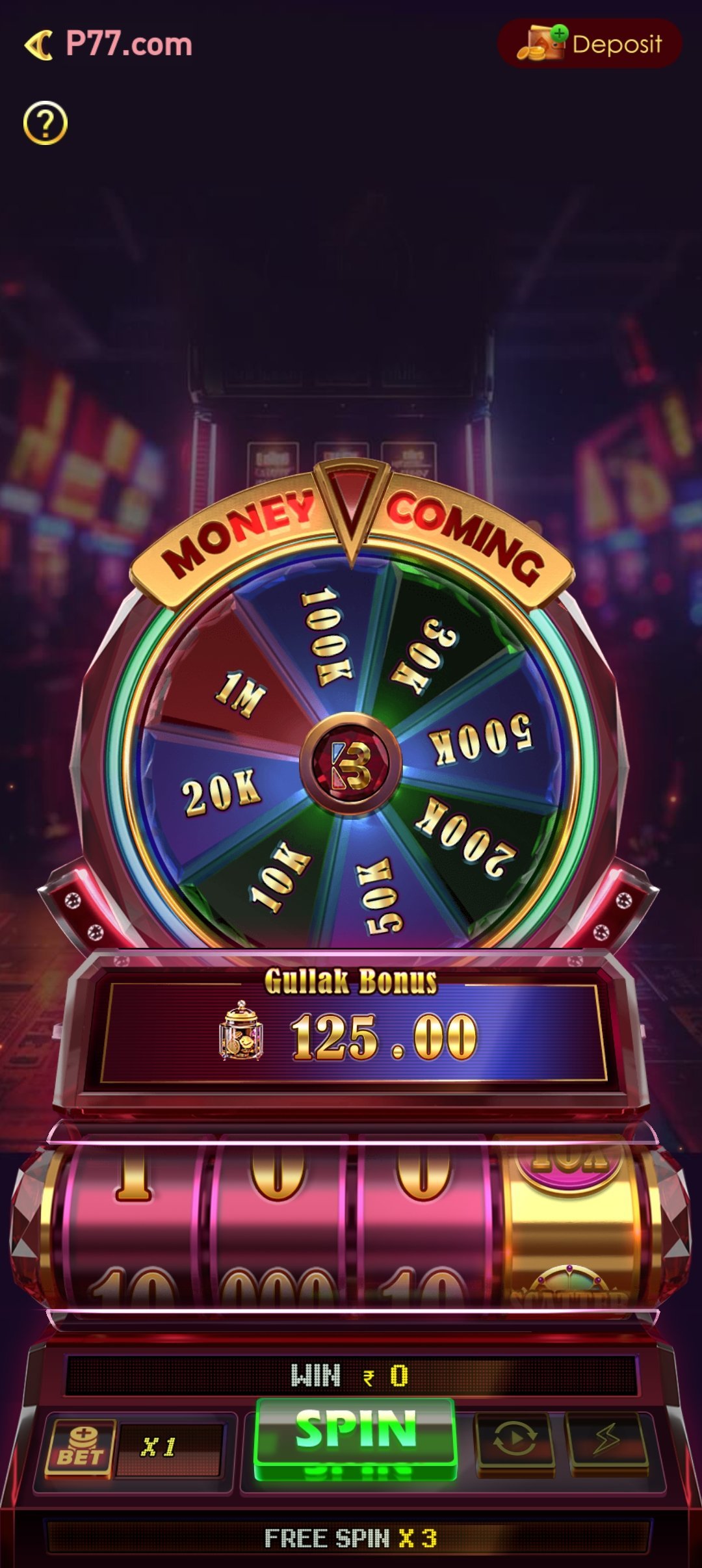
Money Coming
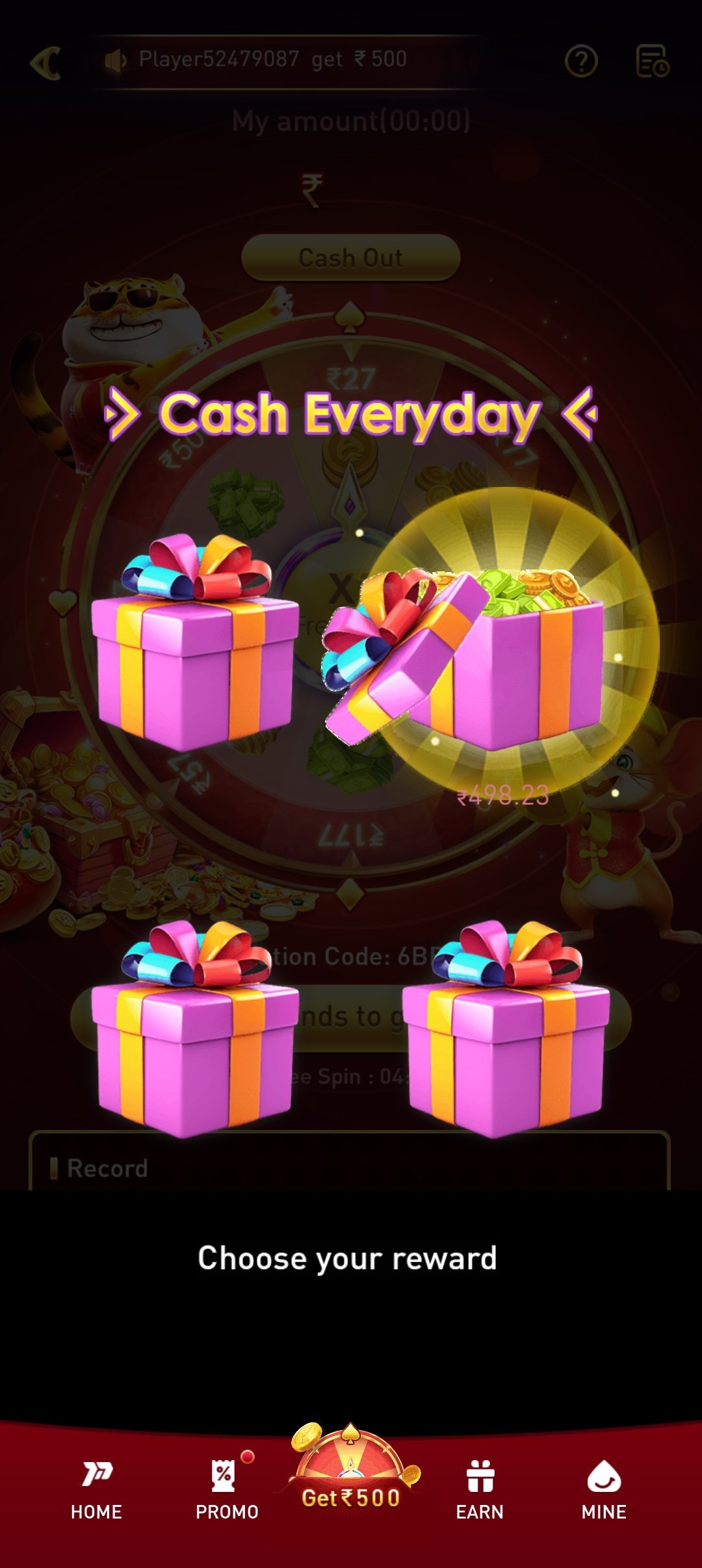
Cash Everyday
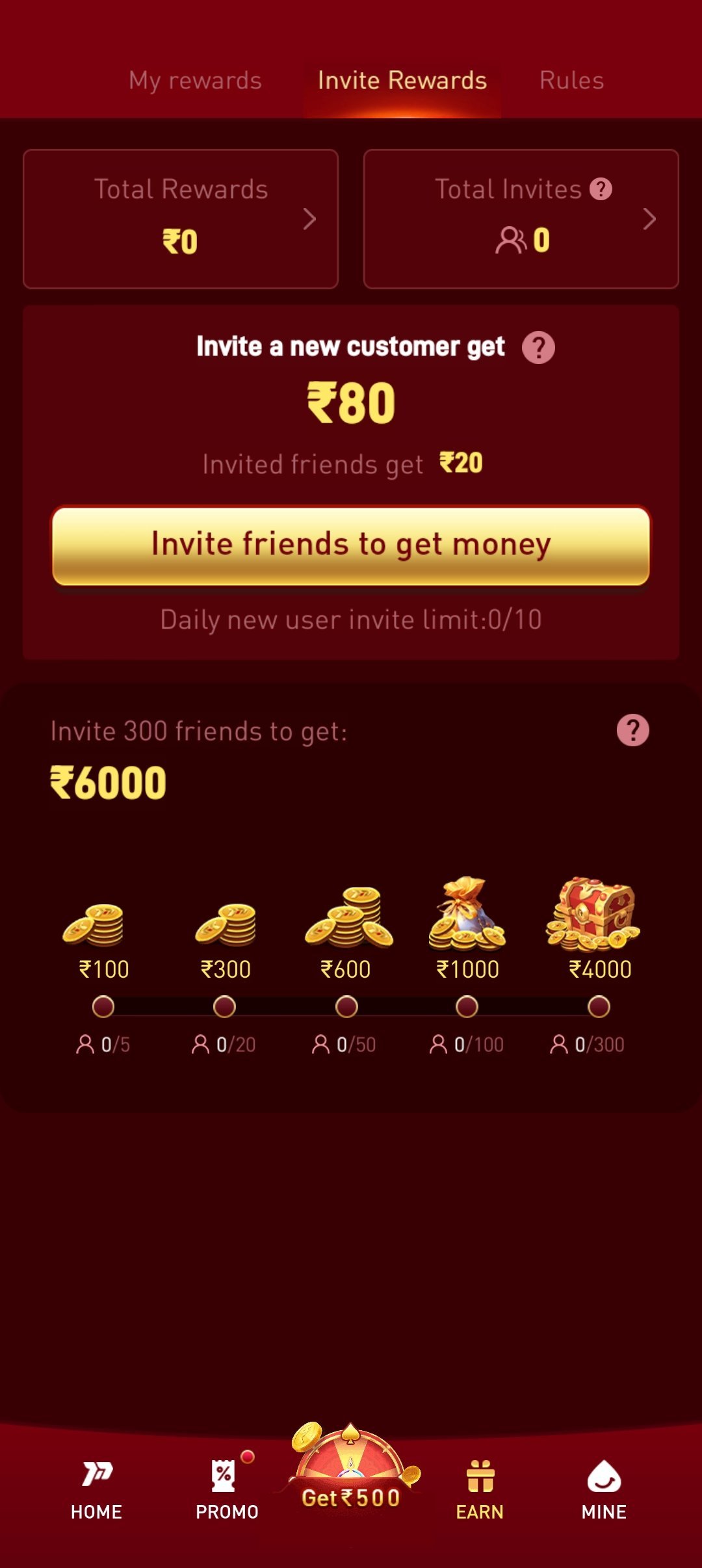
Invite & Earn
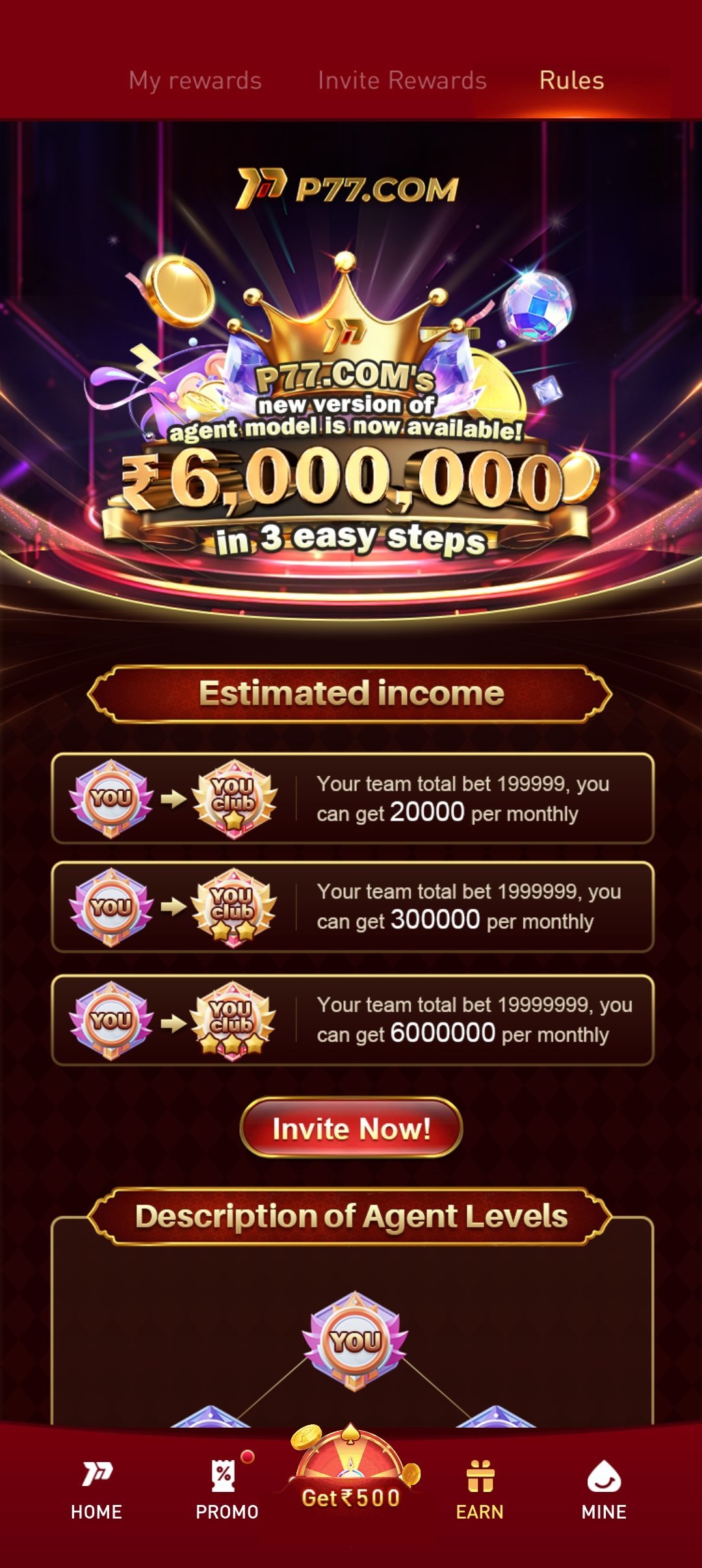
Referral Rules
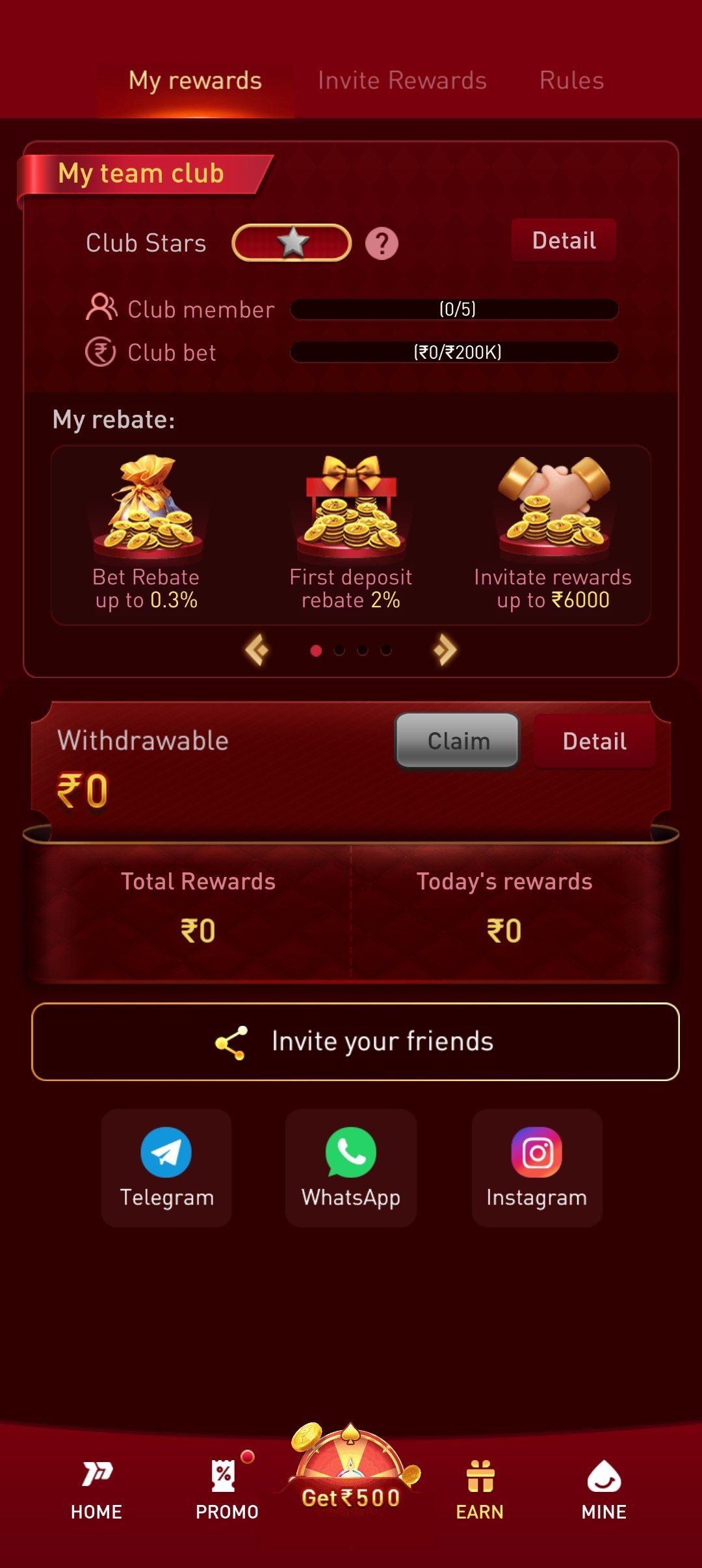
My Rewards
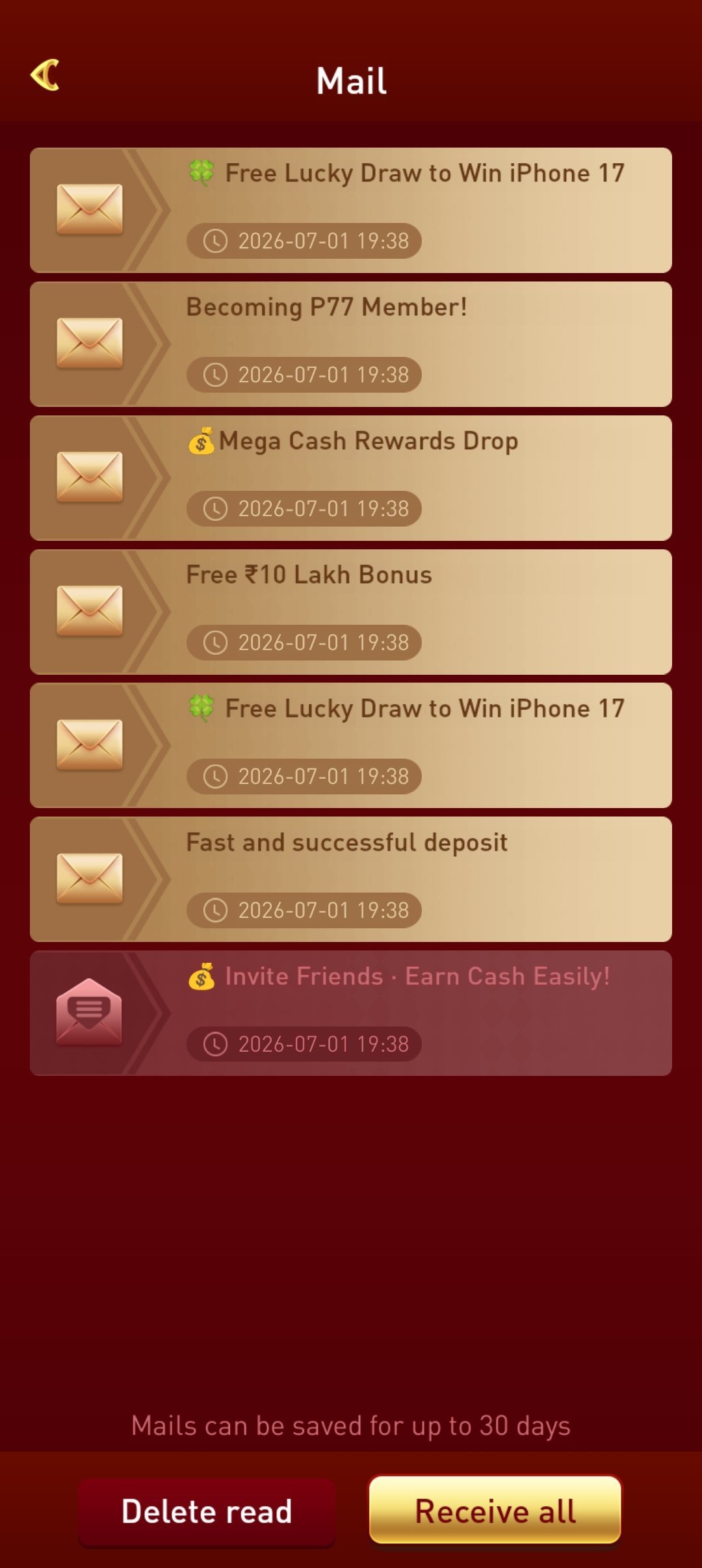
Mail Box
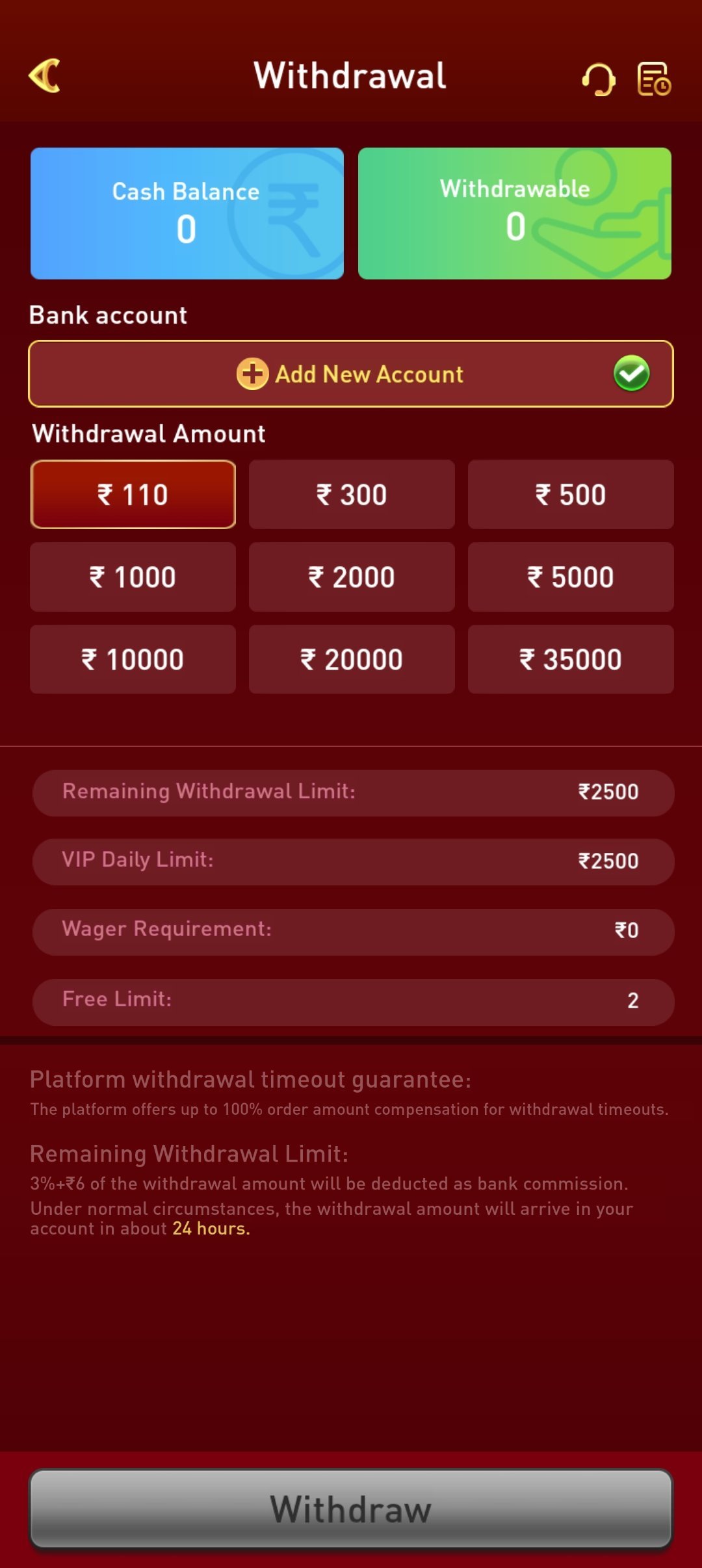
Withdrawal
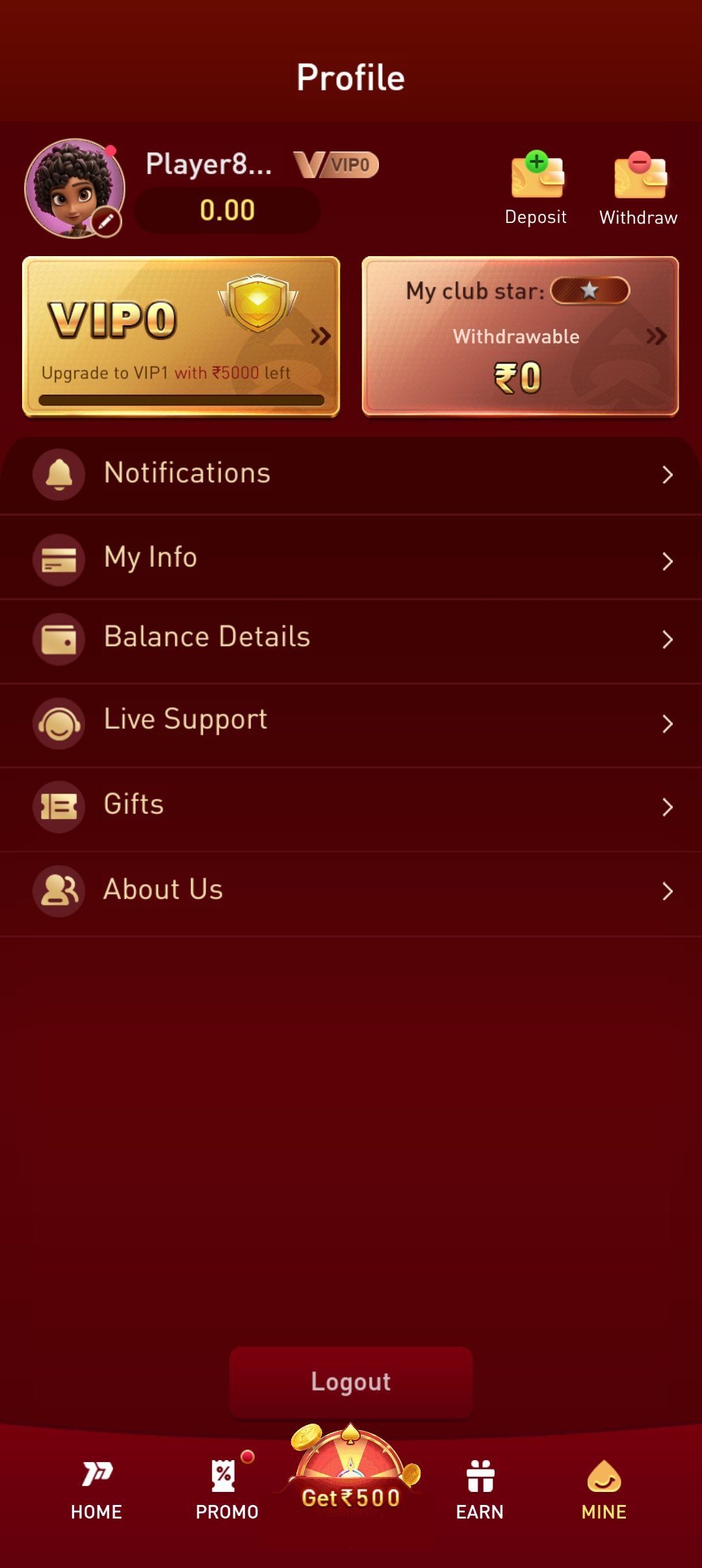
Player Profile
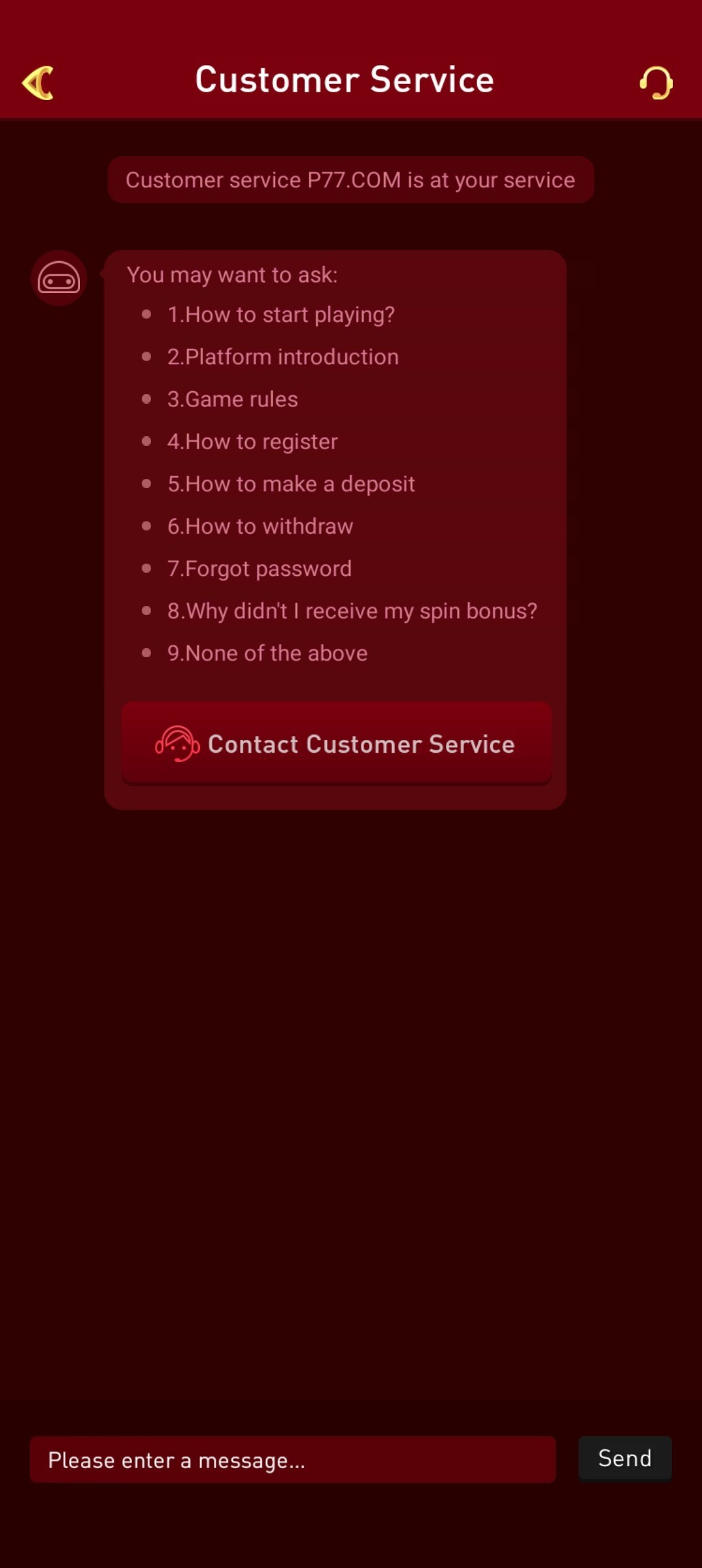
Customer Service
App Permissions & Security
Like any mobile app, the p77play app requests a small set of permissions to function properly — typically storage access (to save data and cache game assets), network access (to communicate with game servers) and, optionally, notification permissions (for bonus and update alerts). None of these permissions grant access to unrelated personal data, and you can review and revoke them at any time from your device's app settings.
Your account data and transactions are handled by the third-party operator you register with, not by p77play.com directly. Reputable operators use encrypted connections (look for HTTPS and standard SSL indicators) and licensed payment gateways for deposits and withdrawals. If an operator's app requests unusual permissions unrelated to gameplay — such as reading your contacts or SMS messages without clear justification — treat that as a red flag and reconsider.
Troubleshooting common install errors
- "App not installed" error — usually means storage is low or a conflicting older version exists. Uninstall any previous version and free up at least 200MB before retrying.
- Download stuck or fails midway — switch from mobile data to Wi-Fi (or vice versa) and retry; large files can time out on unstable connections.
- "Parse error" during install — this usually means the APK file was partially downloaded or corrupted. Delete it and download again from the official link.
- App crashes on open — confirm your Android/iOS version meets the minimum requirement above, then restart your device and try again.
- iOS "Untrusted Developer" message — go to Settings → General → VPN & Device Management and trust the developer profile before reopening the app.
Download FAQ
Download only from the official link on this page. The "unknown sources" and Play Protect prompts are standard for any app installed outside the Play Store. Never install an APK from an unverified third-party source.
Real-money gaming apps are distributed outside the Play Store in some regions due to store policies, which is why Android installs use a direct APK file.
Android 8.0 or higher with roughly 100MB free storage, or iOS 13 or higher with roughly 120MB free storage.
This usually means an older version is still present (uninstall it first) or you are low on storage. Free up around 200MB and reinstall.
On Android 8+ you grant a one-time "Allow from this source" permission to the app that opened the APK (your browser or file manager). You can disable it again afterwards.
Browsers flag any APK not sourced from the Play Store as a caution, regardless of its actual safety. This is standard behaviour, not a sign the file itself is unsafe — just confirm you are downloading from the official link on this page.
Installing an APK does not void your device warranty. Enabling "install from unknown sources" is a permission you can revoke immediately after installing, and does not weaken your phone's overall security when used for a single trusted app.
Yes, the app works on Android and iOS tablets that meet the minimum OS version, though the interface is optimised primarily for phone screens.
The app checks for updates automatically. When a new version is available, you'll see a prompt — download and install it the same way as the original APK.
Disclaimer
The p77play app links to third-party real-money gaming platforms. p77play.com is an information and affiliate platform, not a gaming operator. Please check your local laws before downloading and playing. 18+ only. Not available in Andhra Pradesh, Assam, Odisha, Telangana, Nagaland and Sikkim.